
More than nine years ago, I created a remote garage door opener that connected to my HomeKit setup. This has proven to be a budget-friendly and super handy device, as I am able to control my garage door from anywhere in the world. I came up with this solution before WiFi-based remote garage door openers were commercialized.
However, recently the Raspberry Pi Zero W started to randomly lose WiFi network connection, and I have to reboot it all the time. Of course, this is very frustrating. Since the device is plugged into a ceiling plug, the same socket that is used for the actual garage door opener, it is quite inconvenient to cycle the device. I typically had to restart the whole garage by resetting the breaker on the main electrical panel.
I have some extra ESP32-S3 SuperMini boards on the side that I was going to replace the PiZero W with. I bought these from Pinduoduo (拼多多) when I was in China last year. Due to my laziness, I did not get around to it. Something else happened that allowed me to find another workaround.
About three and a half years ago, I purchased the VOCOlinc HomeKit Smart Plugs from Amazon. I used these to remotely control some fans in the house. One of these was recently freed up. I can then plug the adapter used to power the Pi Zero into the Smart Plug. Now I have a remote way to remotely power cycle the Pi Zero. A remote device to control the power of another remote device! Not only can I cycle the Pi Zero remotely, I can also programmatically determine when to cycle the device.
The Smart Plug is setup with my HomeKit environment and I recently learned that on a Mac, you can use the Shortcut App to toggle an accessory or scene with HomeKit.

I also found out that once I have a Shortcut, I can invoke it using the shortcuts command line command.
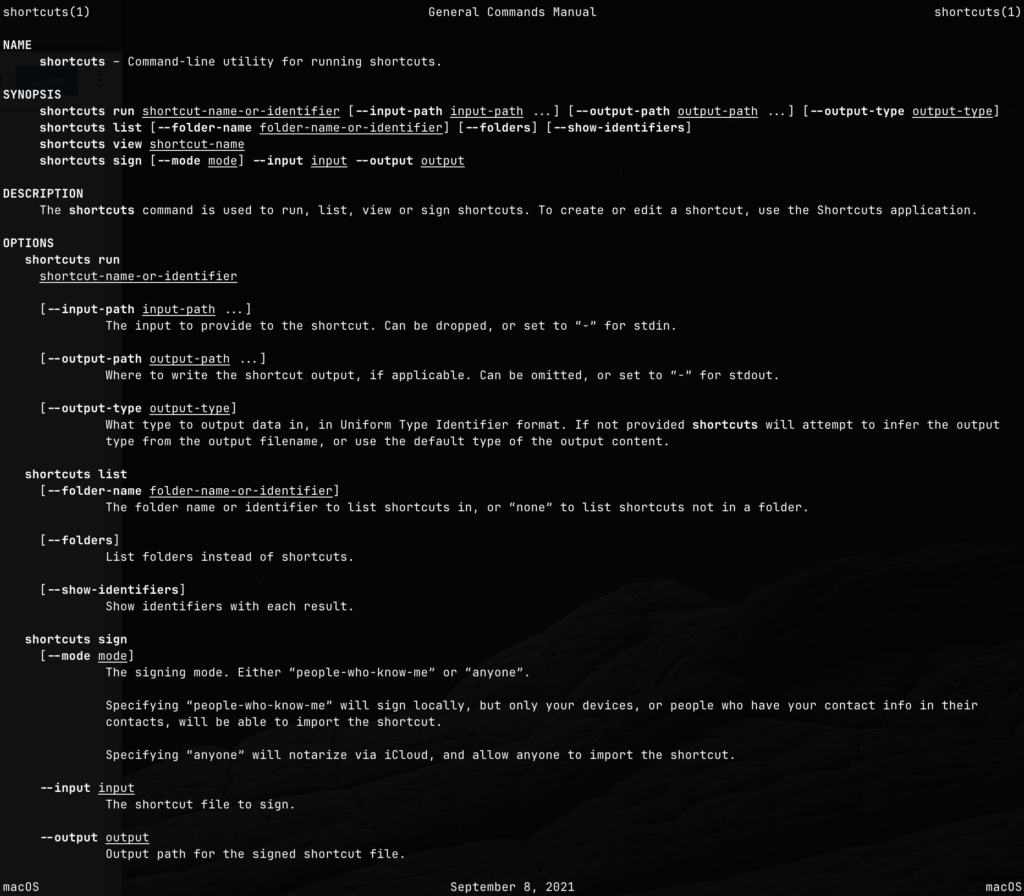
Using this shortcut concept, I can create a periodic cron job that effectively check the connectivity of the Pi Zero every 15 minutes. If I am unable to connect, I can effectively remote restart the Pi Zero. The script is listed below:
#!/usr/bin/env zsh
#
# This script is meant to be run as root

logger "cyclePizero.sh: INFO test connectivity to pizero.localdomain"
if ! ping -q -c 1 pizero.localdomain >/dev/null; then
        logger "cyclePizero.sh: ERROR unable to ping pizero.localdomain"
        logger "cyclePizero.sh: INFO restarting the resolved daemon"
        systemctl restart systemd-resolved.service
        logger "cyclePizero.sh: INFO cycling pizero.localdomain"
        ssh bigbird -n 'shortcuts run "Toggle Garage Opener"'
        sleep 3
        ssh bigbird -n 'shortcuts run "Toggle Garage Opener"'
        logger "cyclePizero.sh: INFO cycling completed"
else
        logger "cyclePizero.sh: INFO pizero.localdomain ping successfully"
fi
Note that I also sometimes have to restart the name resolution service, system-resolved. This is another reason sometimes HomeKit fails to communicate with the Pi Zero.
Hopefully this patch will work until I finally have time to replace it with the ESP32.